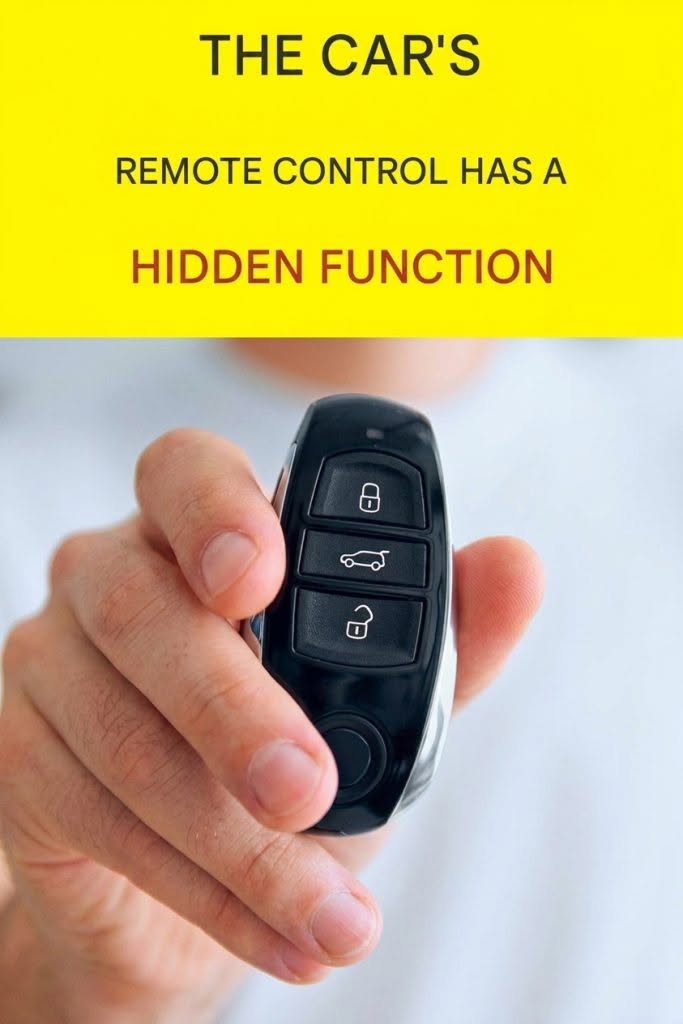
Your car key fob may be capable of more than simply locking and unlocking the doors. Depending on the vehicle, certain buttons or button combinations can activate useful features that many drivers never discover.
One commonly shared tip is to hold down a button on the car’s remote control for around five seconds. However, there is no universal five-second function that works on every vehicle. What happens depends on the make, model, year, and key-fob design.
What Can Happen When You Hold a Key-Fob Button?
Some vehicles allow a long press of a remote-control button to activate a particular feature.
1. Remote Start
On vehicles equipped with remote start, pressing the appropriate button sequence can start the engine from a distance.
This can be especially convenient during very hot or cold weather, allowing the cabin to become more comfortable before you get inside.
However, the exact button sequence varies considerably between manufacturers.
2. Opening or Closing Windows
Some cars have a comfort-opening or comfort-closing feature. Holding the unlock or lock button can sometimes lower or raise the windows.
This feature is not available on every vehicle, and the duration or button sequence can vary.
3. Opening the Trunk or Tailgate
Some key fobs use a long press of the trunk button to open the trunk or activate the powered tailgate.
If your vehicle has a powered liftgate, you may find that holding the appropriate button is more useful than repeatedly pressing it.
4. Panic Alarm
Many key fobs have a panic button. Holding it for several seconds can activate the vehicle’s horn and lights.
This can be useful if you are trying to locate your car in a crowded parking lot or need to attract attention.
Be careful when testing this feature because the alarm can be surprisingly loud.
Why Doesn’t the Five-Second Trick Work for Everyone?
Car manufacturers program key fobs differently. A long press that opens windows on one vehicle might do nothing on another.
Some features may also be disabled from the factory or need to be activated through the vehicle’s settings or dealership.
Your owner’s manual is therefore the safest source for determining exactly what your key fob can do.
A Simple Way to Check Your Key Fob
Look closely at the symbols on your remote. Common buttons include:
- Lock
- Unlock
- Trunk or tailgate
- Panic
- Remote-start symbol
Check your owner’s manual for phrases such as “remote operation,” “long press,” “comfort opening,” “remote start,” or “key fob functions.”
Avoid randomly holding or pressing buttons while the vehicle is parked in an unsafe location.
Don’t Assume Every Viral Car Tip Is Universal
Online posts often claim that holding a particular button for exactly five seconds will unlock a hidden function in every car. That’s misleading.
The same key-fob button can have completely different functions depending on the vehicle. Some cars may also require two or three quick presses rather than one long press.
The best takeaway is simple: your key fob may have useful functions you haven’t discovered, but the correct procedure is vehicle-specific.
Final Tip
Before experimenting, find your vehicle’s exact make, model, and year in the owner’s manual. A few seconds of checking can prevent accidentally activating the alarm, opening the trunk, or triggering another unexpected function.
If you tell me your car’s make, model, and year, I can explain what a 5-second key-fob press does on that specific vehicle.